Features · QuickBooks export
A one-click download of bookkeeper-ready files — customers and invoices that QuickBooks Online imports natively, plus a clean payments file. No re-typing your month into accounting software.
No credit card · cancel anytime · unlimited users · the demo needs no signup
When your bookkeeper needs the month, you don't rebuild it by hand. Export it — a single download with your customers, invoices, and payments — and hand it over. Do it monthly, or the moment they email asking for it.
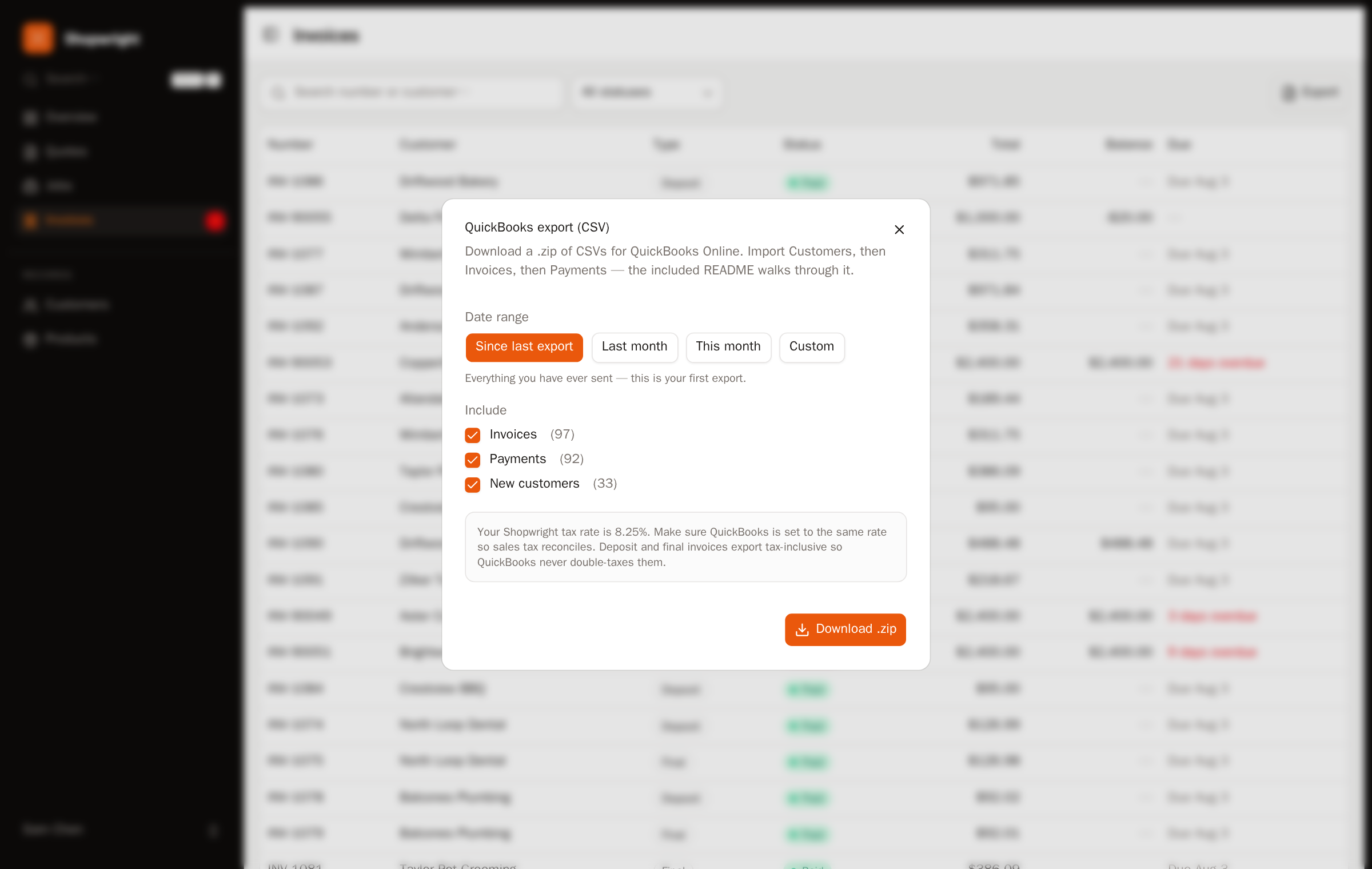
Customers and invoices come out in the shape QuickBooks Online imports on its own — names, invoice numbers, amounts, dates — so they drop in without a mapping puzzle. Payments arrive as a clean, separate file your bookkeeper's importer of choice can take. Every export is logged, so re-running one whenever you need it is no problem.
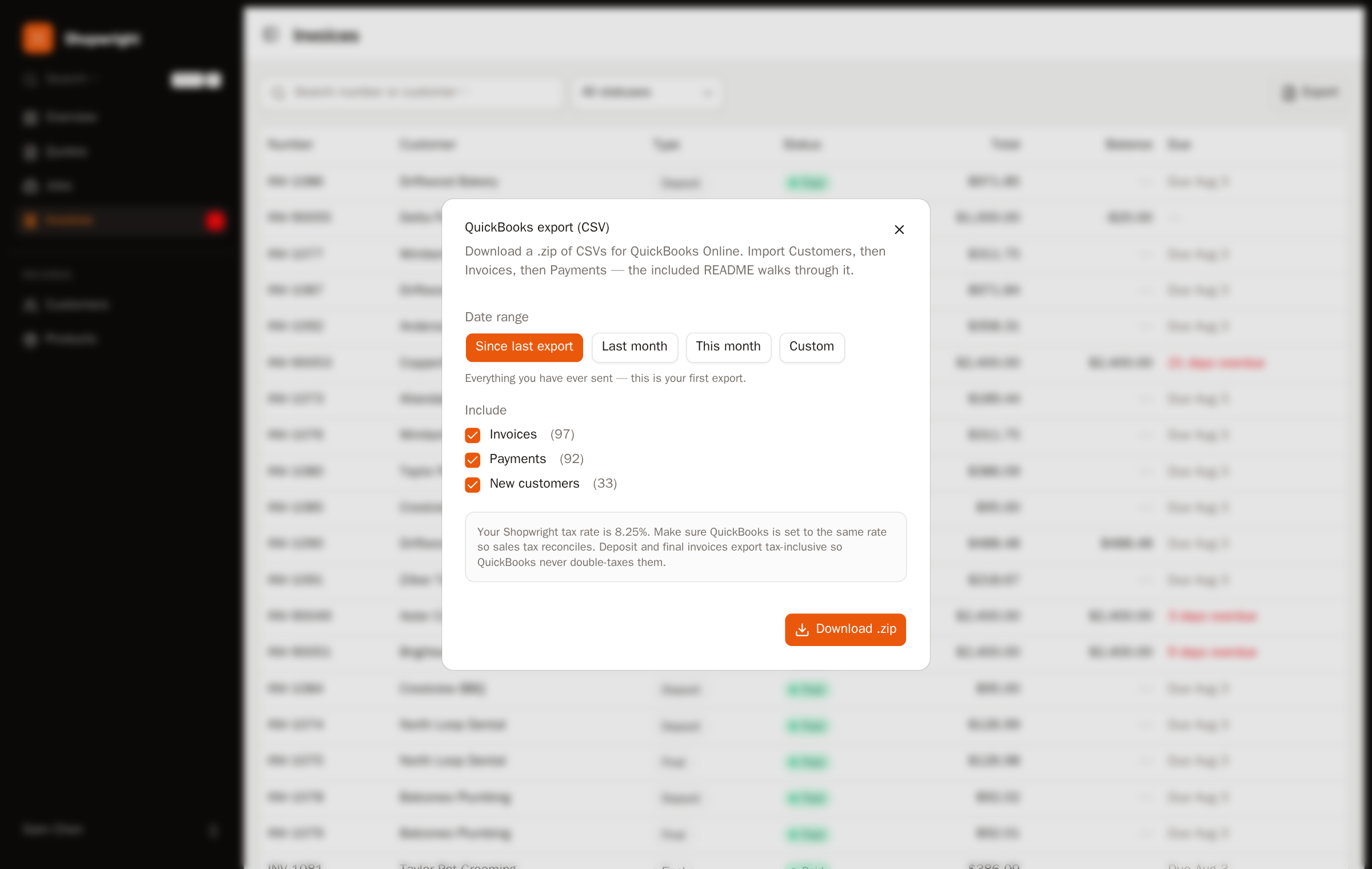
This is a real export, not a black box: you get the actual files, you can open them, and you can keep them. It's the same everything-comes-with-you promise as the rest of your data — bookkeeping included.
30-day trial, no card. Or just poke around — the live demo is a full shop, no signup.